
▶️ Video Tutorial
Using the Body Part Filter
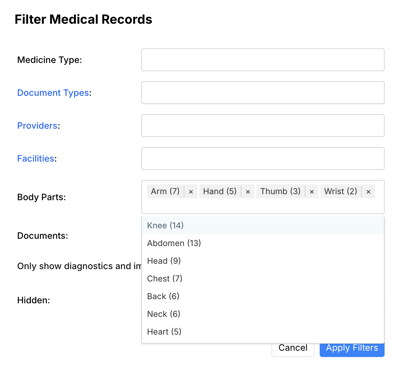
- Type to search for body parts.
- You may select multiple body parts to filter for.
- The number in parentheses after the body part is the number of records that include that body part.
Viewing and Editing Body Parts Tagged on a Record
- You can view and export the body parts by adding the "Body Part" field on the export page.
- You can edit the body parts for one record in the chronology by going to the Review tab and clicking "Edit" on that entry in the Chronology.